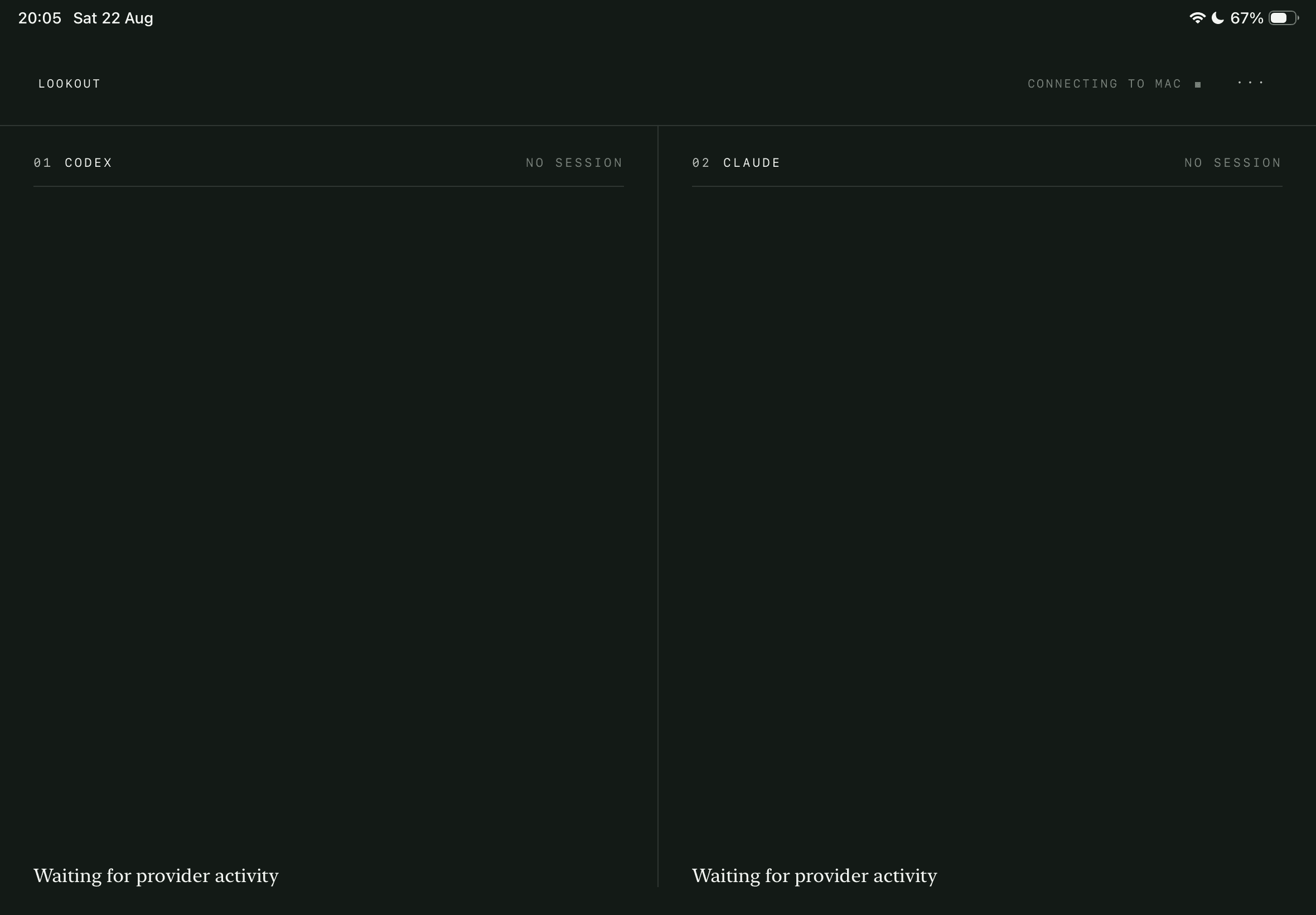
AI monitoring for your Mac
Your iPad earns its place on the desk.
Lookout puts Codex and Claude Code on your iPad, so approvals can be easily read and switching between your main apps stops interrupting your workflow.
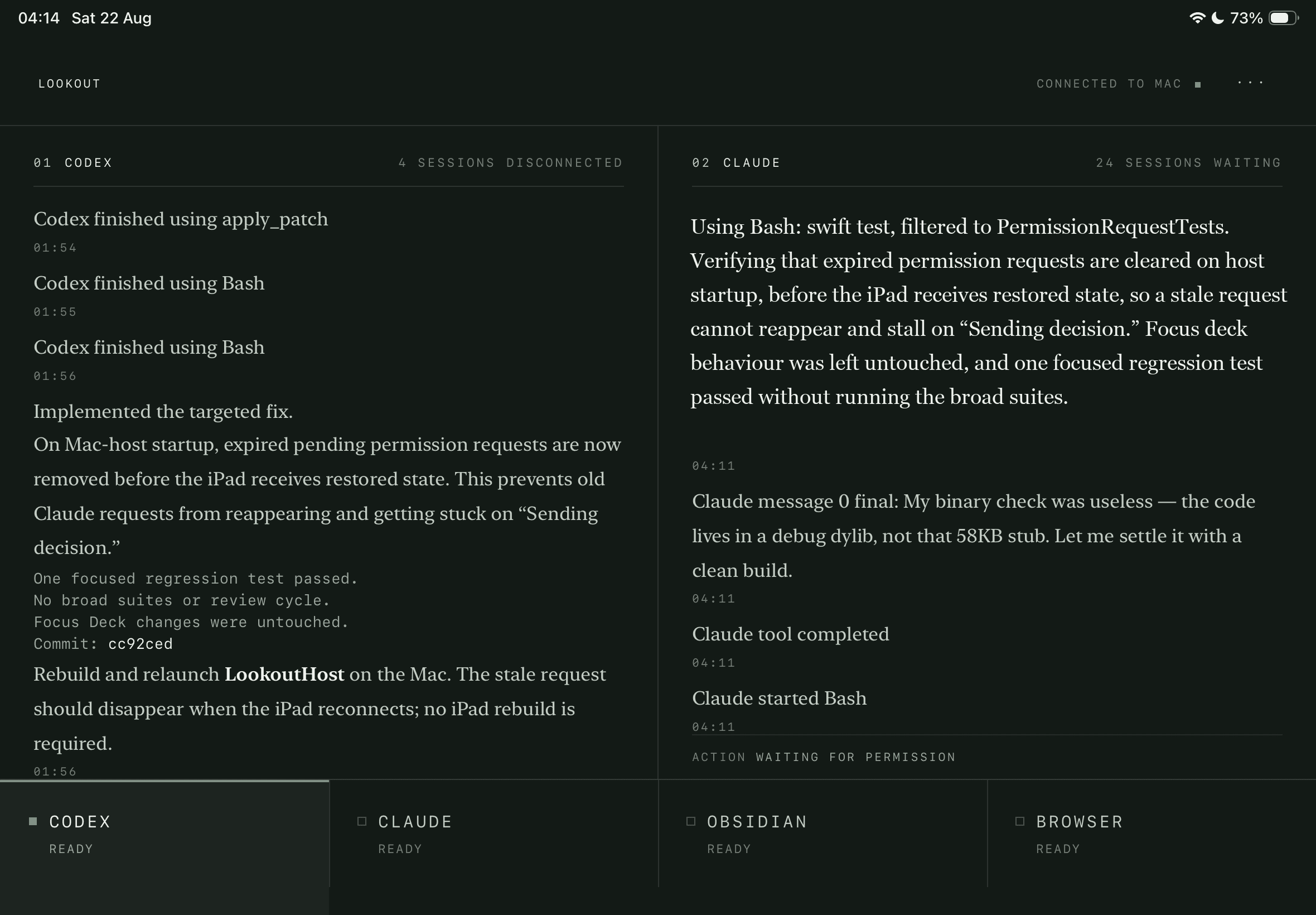
This is the screen.
Both LLMs report here, you decide requests here, and the hotkeys along the bottom immediately open the apps you want when juggling multiple apps.
Codex finished using apply_patch
14:02Rewrote the transcript parser so provider markdown is rendered as styled runs instead of printing the literal asterisks.
14:05
14:06One focused regression test passed. No broad suites.Codex finished using Bash
14:07Focus deck order is unchanged. Codex stays first, so the reach does not move.
14:09Codex finished using apply_patch
14:11
Claude started Bash
14:04Expired requests are dropped on host startup, before the iPad receives restored state, so a stale request cannot reappear.
14:06Claude tool completed
14:08Rebuild and relaunch the host on the Mac. The stale request should clear once the iPad reconnects.
14:10Claude started Bash
14:12
Run the project test suite?
Claude wants to verify the permission expiry fix before it commits anything.
- Exact command
- swift test --filter PermissionRequestTests
- Working directory
- ~/Developer/lookout
- Proposed changes
- RequestStore.swift +18 / −4
- Requested access
- Read and write inside the project directory
- Network
- No network access requested
- Advisory
- Allowlisted recipe
How it works
Your Mac relays what Codex and Claude are doing to the iPad over the local network. Approvals go back through each provider’s own hook.
Nothing leaves the local network and there is no account. If the iPad is unreachable the Mac’s own prompt still works and a disconnect never reads as an approval or rejection.
- Codex is always the left column, Claude always the right.
- Streams are labelled by what Codex and Claude are actually doing.